
Opportunity Property Reports
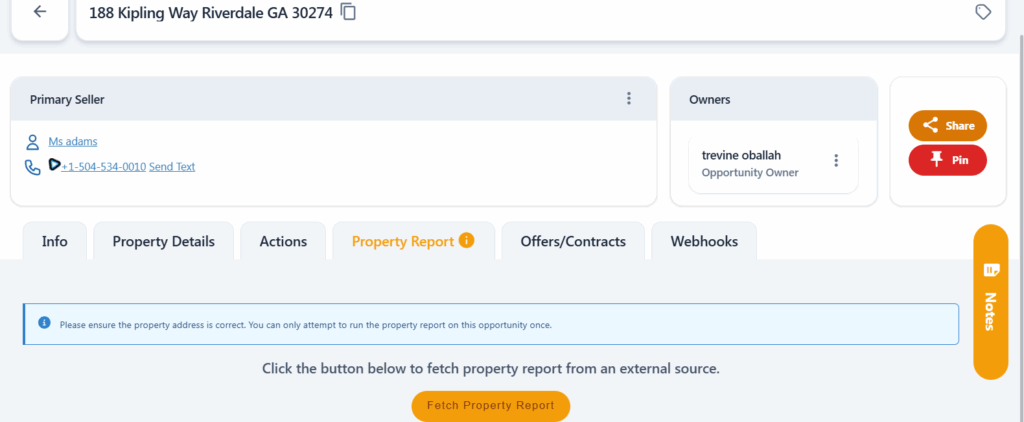
We partnered with REAPI to bring Property Report integration into Carrot CRM. It’s simple, easy to use, and available to all Carrot CRM users. The Property Report integration automatically pulls information gathered from the opportunity address and displays it inside the Opportunity.
Locating the Property Report
- Select a team on the left menu
- Go to Opportunities
- Select the Opportunity you want to view
- Click Property Report
Property Report View
Property Reports per Plan
Each plan has a certain limit on the number of property reports included. See the list below for reference:
- Free – 5 reports/mo
- Essential – 50 reports/mo
- Scale – 100 reports/mo
- Team – 400 reports/mo
Incomplete Address
REAPI will not be able to pull any information if the property address is incomplete and an error message will be displayed.
Ensure that the address in the property details tab is properly filled out for it to work.
No Information Found
If REAPI cannot find any information from the property address, an error message will be displayed.

Was this article helpful?